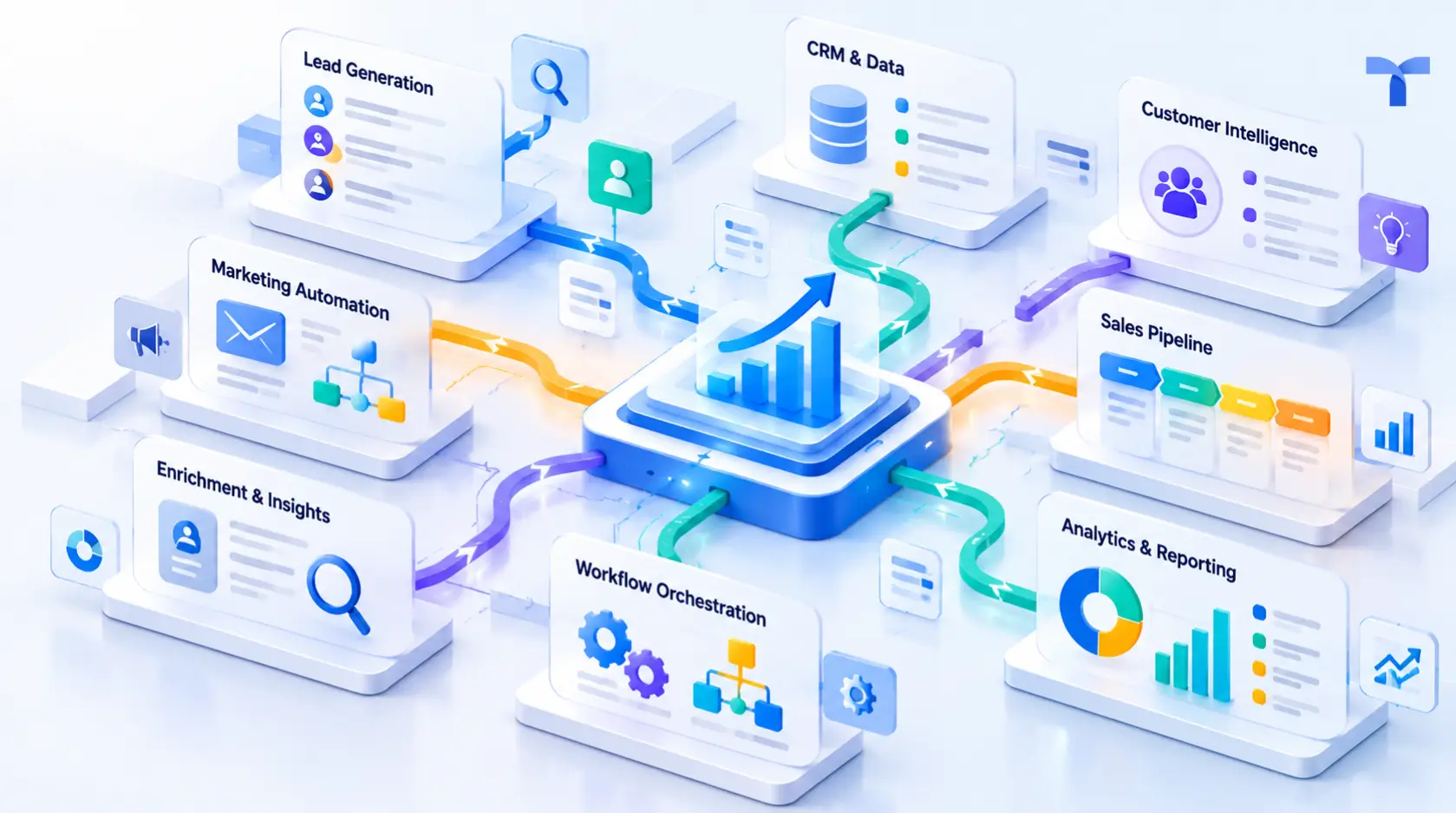
Most GTM tools are good at one verb. They build. A list, an enriched table, a workflow that fires when a row changes. Building has become cheap and fast, and that is where the trouble starts, because GTM execution is not the build. It is what happens to that list afterwards: who sees a new signal on one of those accounts, how quickly, and what gets done about it.
Getting from a signal to an action usually means four or five tools stitched together by the ops team. This post is about why that chain costs so much to run, and what changes when the same system that builds the data also runs it live and acts on it.
Building is the easy part now
Ten years ago, building a clean target list was real work. Today an ops person with a spreadsheet tool and a few API keys can pull 5,000 accounts, run a waterfall across three data vendors, and have verified emails by lunch.
The catch is what happens next. The table gets exported. It lands in a sequencer. A copy goes to the CRM. Another copy sits in a Slack channel as a CSV. Two weeks later the account hires a new CRO or visits your pricing page, and none of those copies know. A table is not a memory. It is a snapshot.
That is the structural problem with build-first tooling, and it has nothing to do with the tools being bad. A table model treats every run as a fresh start. Row in, enrichment out, credits spent. And even where a table tool keeps a record, the act still happens somewhere else. Clay’s own FAQ puts it plainly: “Clay doesn’t replace your email sequencer. Instead, we integrate with them so you can push finalized outreach from Clay to your sequencer.” Build here, act there.
Where does the act actually live?
Ask a RevOps lead to draw the stack that turns a signal into a booked meeting. The picture usually looks like this: a signal source (website deanonymization, intent vendor, job board scraper), an enrichment tool, a workflow tool such as n8n or Zapier to move the record, the CRM, a sequencer, a Slack alert for the rep, and maybe a LinkedIn Ads audience. Six or seven systems, each with its own field mappings, tokens and plan limits to keep in sync.
The ops team owns the glue, and the glue is where the hours go. The work is rarely building anything new. It is keeping the old connections alive. Which record is the source of truth when HubSpot and the enrichment table disagree? Which tool decides that an account is in market? Where does the score live, and who updates it when a new signal arrives? In most multi-tool stacks the score lives in whichever tool last touched the record, and it changes when someone re-runs the table.
While that happens the signal gets older. A pricing page visit is worth more on day one than on day ten.
What GTM execution looks like inside one Journey
Tapistro gives the ops team one place to do all three verbs. The unit of work is a Journey.
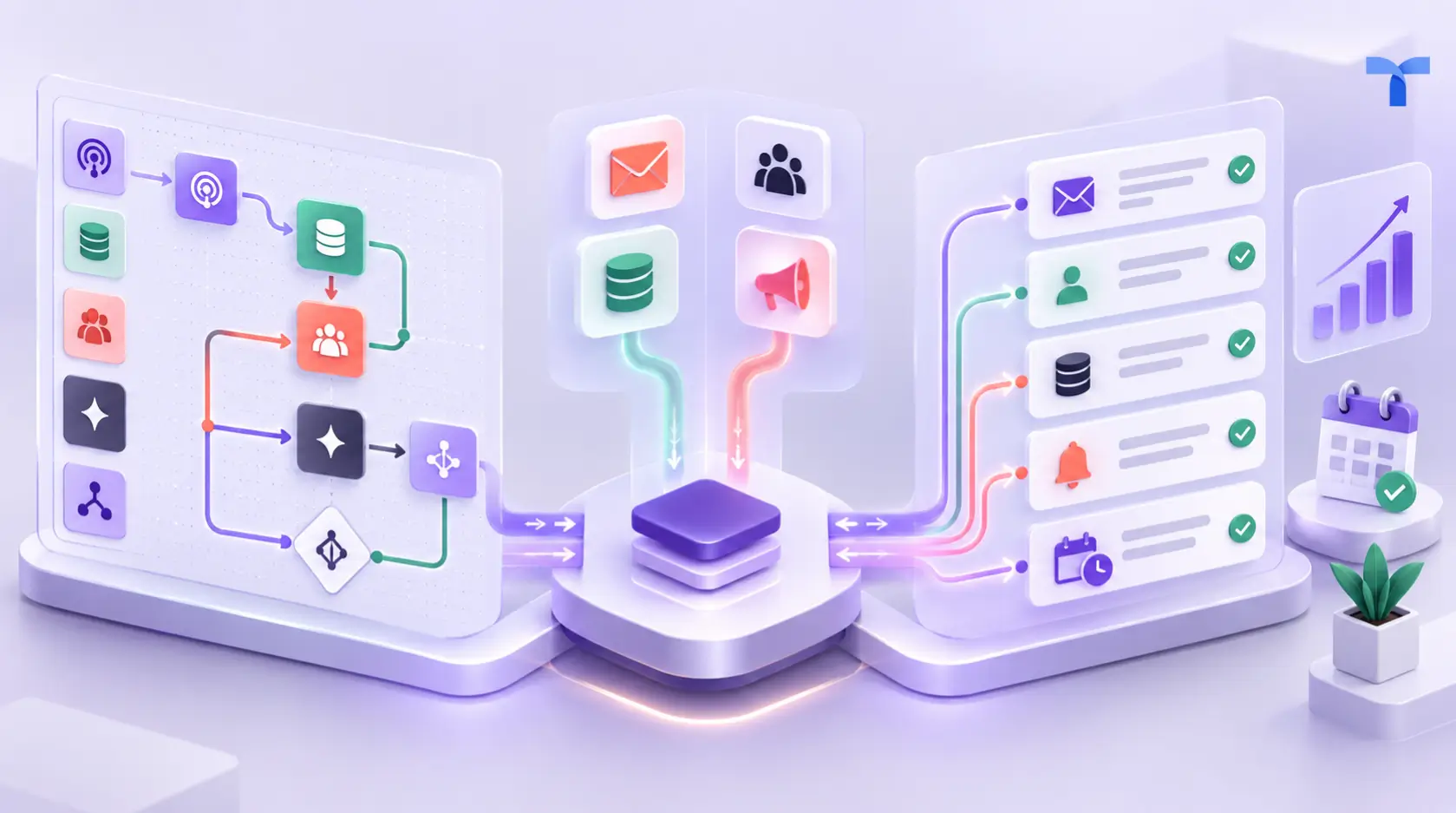
Build. A Journey starts with a Source: a CRM list, a website visitor feed, a job posting monitor, a LinkedIn engagement stream, or one of 70+ connected signal and data providers. From there you add Filters (ICP fit, exclude customers and open deals), Conditions (only accounts with an open sales hire), and TAP AI Agents that research each account against live public sources and write structured fields back. Everything lands on a Unified Prospect Profile for the account and the person. The profile is the storage layer. It remembers every enrichment and every signal, so the next Journey that touches the account starts with what you already know instead of re-buying it.
Ship. You turn the Journey on and it runs. Not once. It keeps watching its Source, admits new records as they match, and re-evaluates existing profiles as new signals attach to them. Nobody re-runs it on Monday. It is already running.
Act. The Journey does something with what it knows, and that something can be anything the connected systems allow. Update a field. Move a score. Create the lead with its signal history attached. Alert the rep in Slack with the research summary. Start a sequence from the rep’s own mailbox in Smartlead, Outreach or Salesloft. Add the segment to a LinkedIn Ads audience. Send the account to a deeper research agent. Or hold it until a second signal shows up. An Activation is one kind of act. A CRM writeback is another. Deciding to wait is a third. All of them happen on the same profile, so nothing gets exported to make them happen.
What this looks like in practice
Each example below is a different ops team running a different Journey. The pattern is the same. Build, ship, act, one system.
Start from the signal, then triangulate
List-first tools start with fit and add timing afterwards, if at all. A Journey can start with the timing event itself. Source: a target account visited the integrations page twice this week. Condition: not a customer, no open opportunity. TAP AI Agent: check for open sales or RevOps roles and recent funding news. If a second signal lands on the same profile (a job post for an SDR manager, say), the account crosses a threshold and the Journey acts.
One signal is noise. Two independent signals on the same profile inside the same two weeks is a pattern, and the profile is what makes the pattern visible. Weave Growth ran this on website visits, job changes and social engagement layered together and reported a 75% email open rate and roughly 5% reply rate from a one-person team.
Filter, then enrich, then filter again
Enrichment is the most expensive step in the chain, so the order matters. A Journey filters on what you already hold before it spends anything: CRM status, ICP fields, signals already on the profile. It enriches only the survivors, then filters again on the enriched fields, so a TAP AI Agent can remove the accounts that look right in a database but are wrong for your motion before a single contact is bought. Because results persist on the profile, a second Journey next quarter reuses them.
Push the lead and update the CRM in the same act
Creating a lead is easy. Creating the right lead, in the right owner’s queue, with the reason attached, is the part that takes work. A Classification Agent inside the Journey tiers accounts against your ICP. Tier 1 goes to the SDR calling queue and the CRM with the signal summary on the record. Tier 2 and 3 enter automated nurture from individual rep mailboxes. The same act that creates the lead also fills the missing fields and moves the score, because the CRM is just another destination the Journey writes to, not a separate cleanup project. (Keeping a CRM current over time is its own topic. We covered it in CRM data enrichment: how AI beats data decay.)
A mid-market loyalty tech SaaS company ran outbound this way, scaled volume 10x without adding headcount, and saw open rates rise 4x because every send carried account-specific context rather than a mail-merge template. The use cases for operations teams page walks through the setup.
How does this compare to a build-first stack?
Same three verbs, broken into the parts an ops team actually runs. The Tapistro column says what happens inside the Journey. The other columns say what you get and what it costs you to get there, even where the answer is yes. Every cell was checked against the vendor’s own documentation.
Build
Ship
Act
None of these tools is weak. Clay is an excellent builder. n8n is a fine pipe. Common Room reads community signals better than most. Read down any column, though, and the same word keeps appearing: yours. Your prompts, your mappings, your webhooks, your dedupe. The act gets done, and the ops team is the one keeping it done.
What changes for the ops team
The job shifts from maintaining connections to designing Journeys. ITILITE’s Head of Growth, Surbhi Mundra, described it this way: “The ability to experiment with new intent signals and align our ICP in one place allowed us to improve overall GTM efficiency.” Their team booked 20% more meetings. Vishy Venugopalan of Weave Growth reported cutting manual tasks by nearly 70% and running the whole pipeline with one person.
Those are outcomes, and outcomes vary. The mechanism does not. When the system that builds the profile is the same system that runs it and acts on it, there is no export to go stale and no glue to own. That is GTM execution as one motion instead of a relay.
If your current stack builds well and acts badly, that is the conversation worth having. Schedule a 15-minute call and bring the diagram of your signal-to-meeting stack. We will show you the same flow as one Journey.